
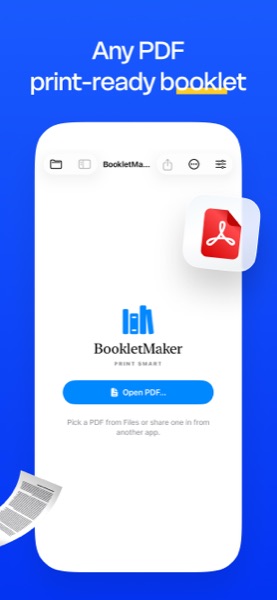
Turn any PDF into a print-ready booklet — free. Saddle-stitched signatures, 2-up and 4-up imposition, cleanup tools, page numbers, watermarks, OCR, and an inline editor — all on-device, in 34 languages, on Mac, iPad, iPhone, Windows and Android — or right in your browser with the free web tool.
A few moments from BookletMaker on Mac, iPad, iPhone, Windows, and Android.
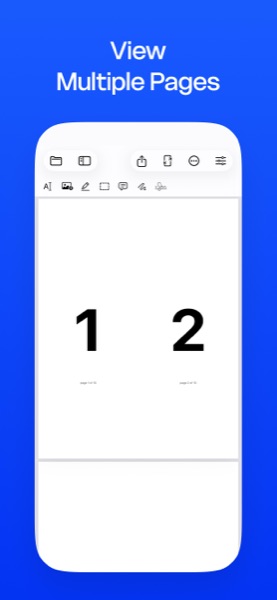
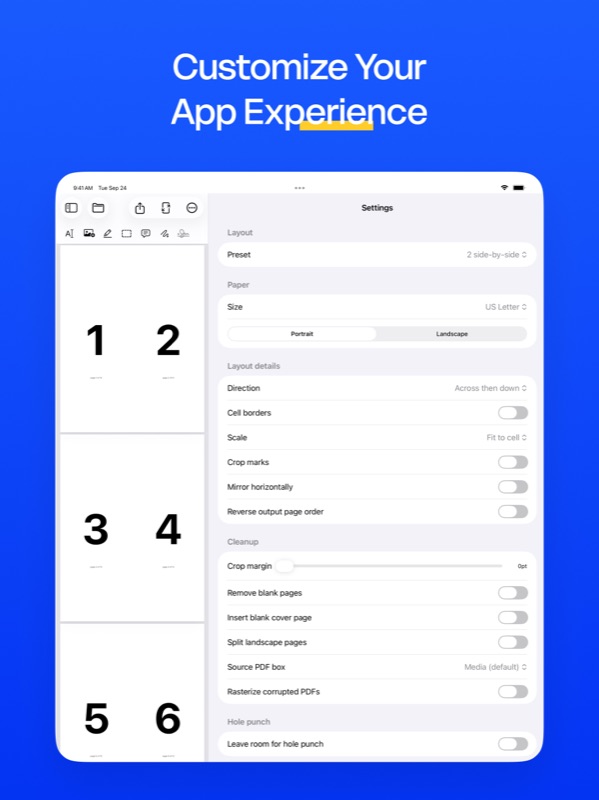
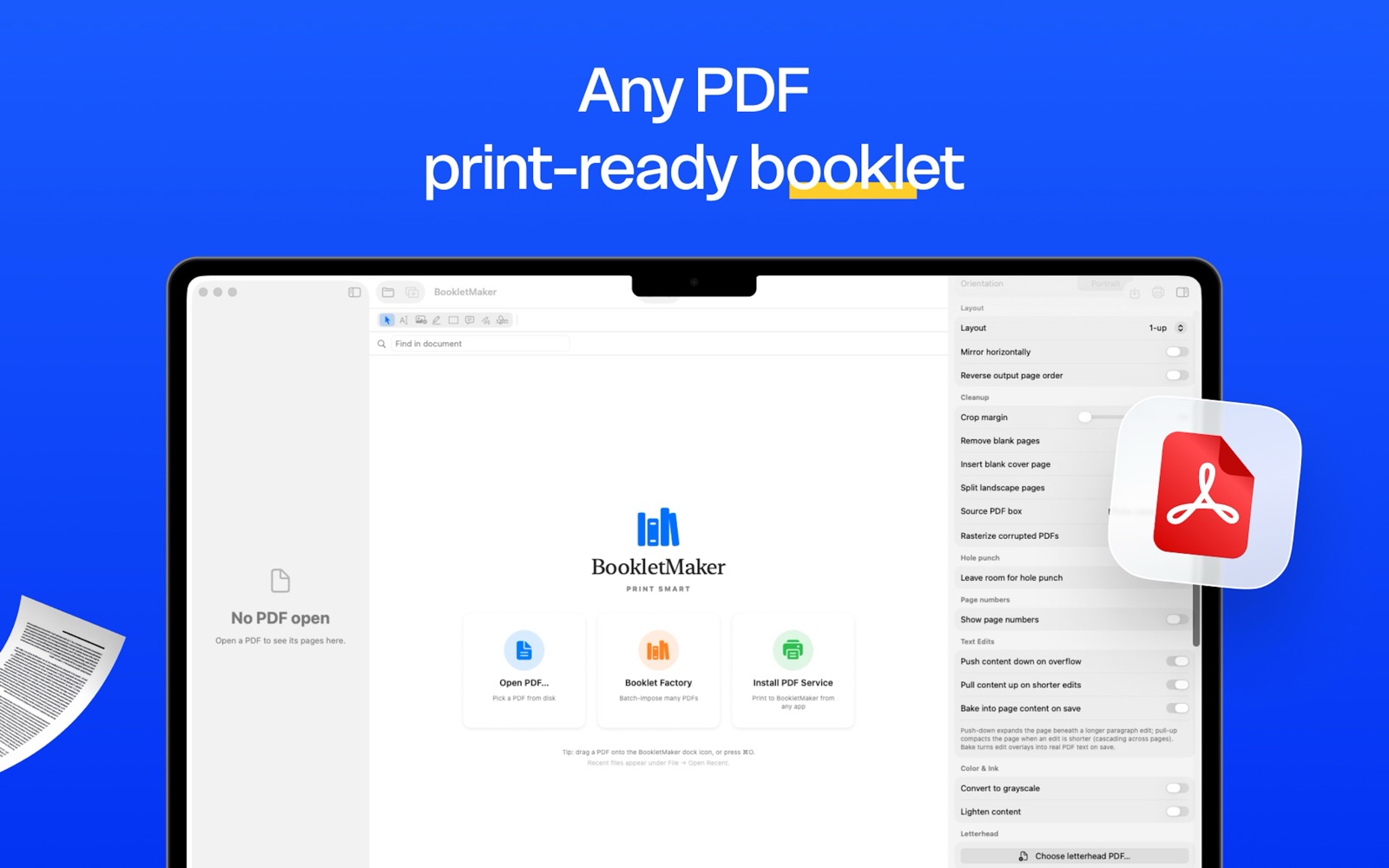
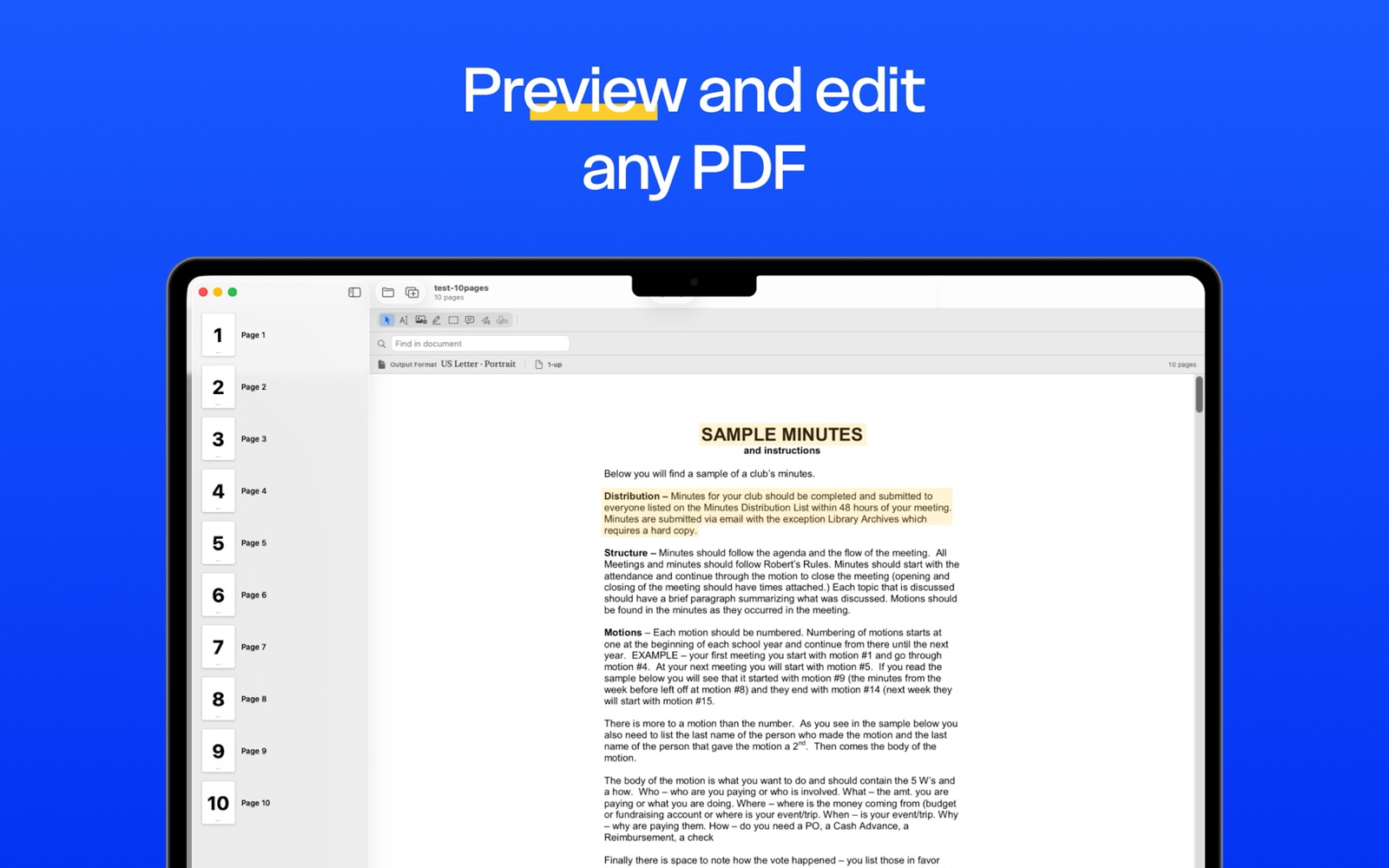
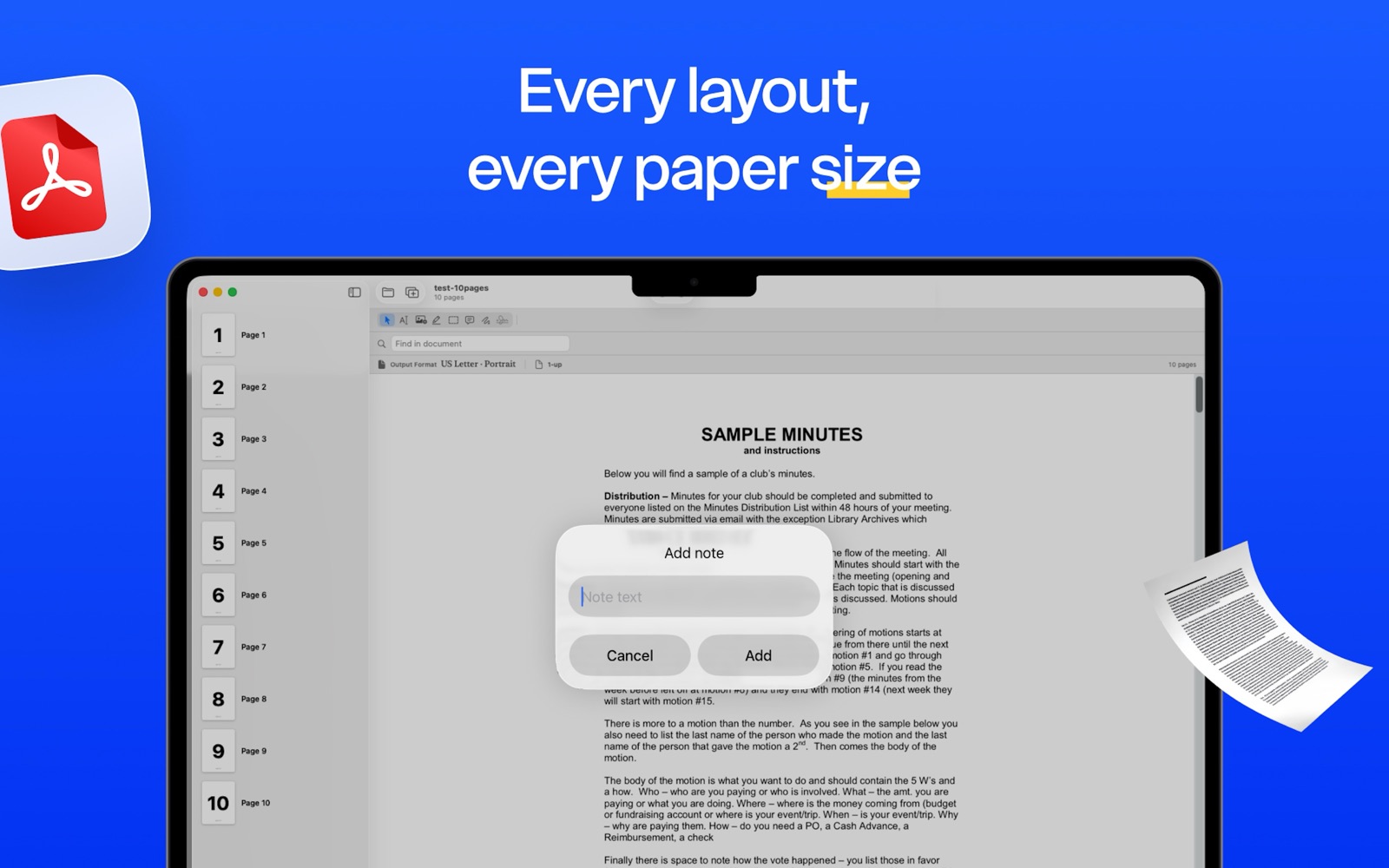
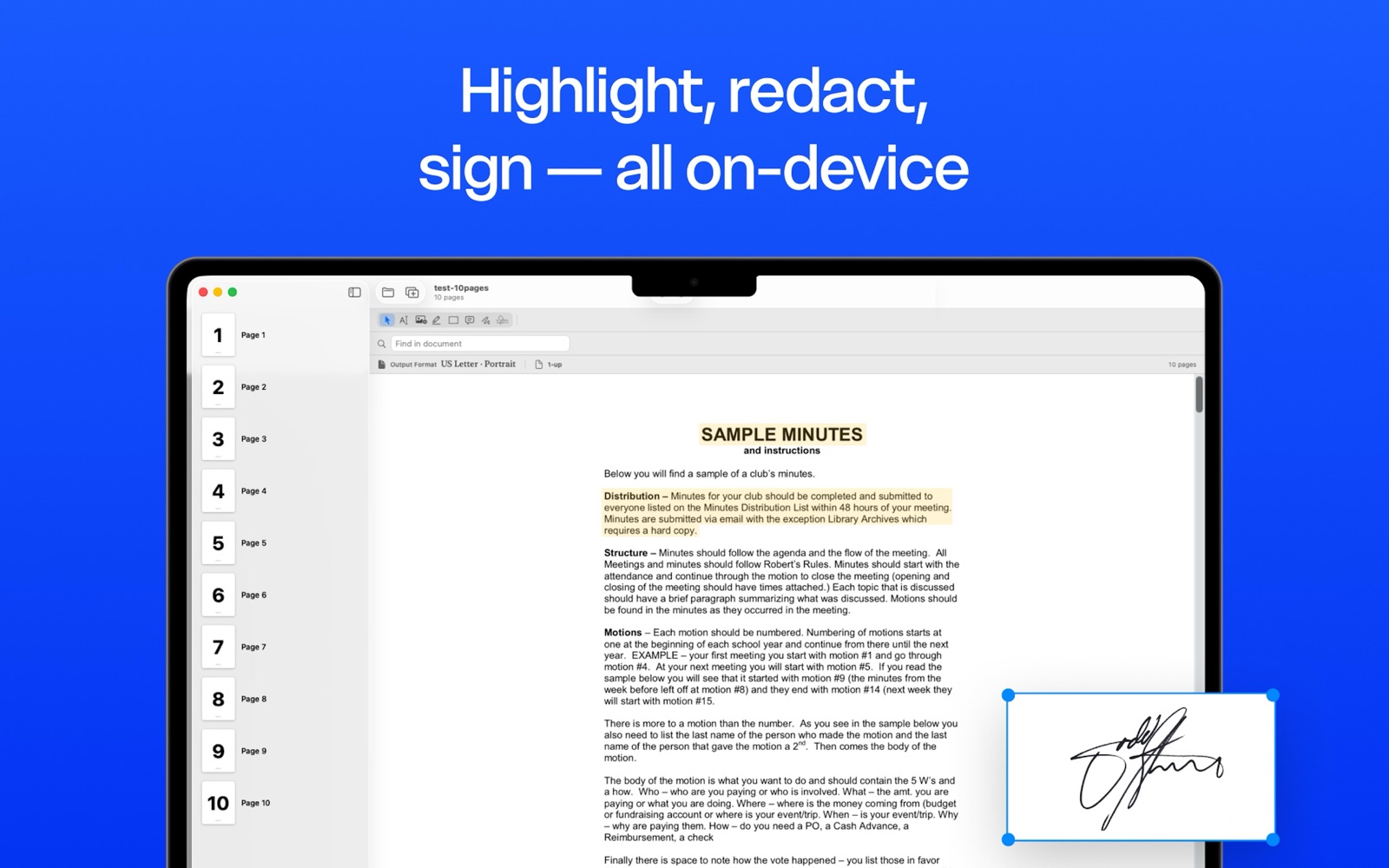
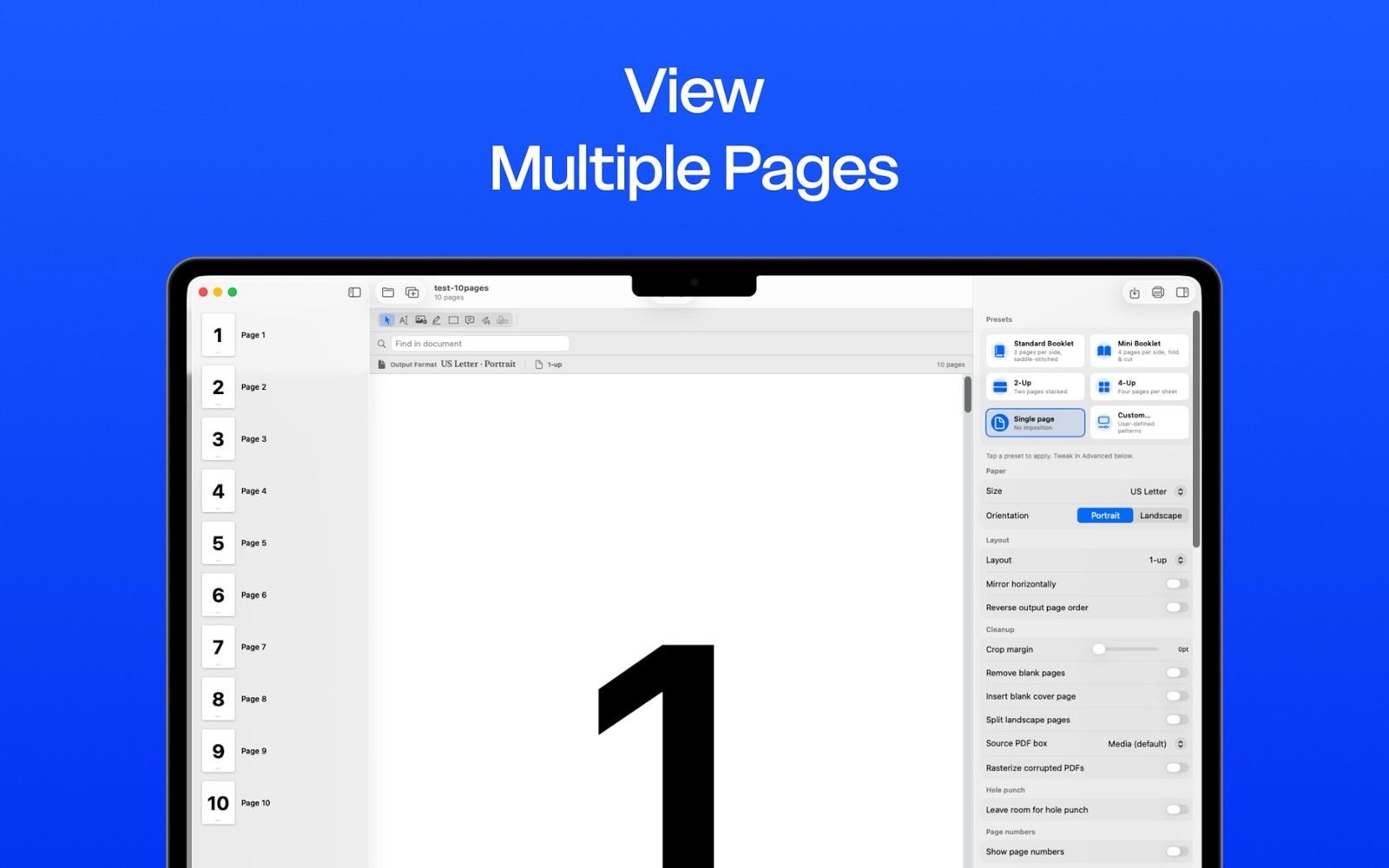


Saddle-stitched booklet, mini-booklet, 2-up, 4-up, custom n-up — and the controls that matter for the cut.
Configurable signature size from a single booklet to 32-page signatures, with creep compensation that pulls inner pages out by a configurable amount per sheet.
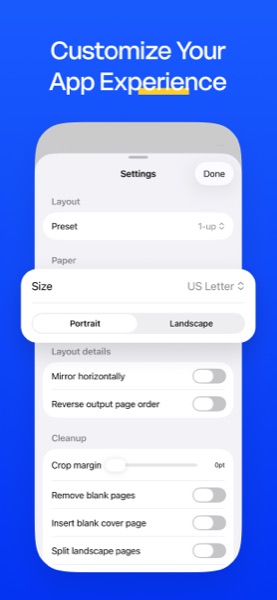
Standard layouts plus any custom n-up grid. Choose paper, orientation, direction, scale, cell borders, crop marks — BookletMaker handles ordering and rotation.
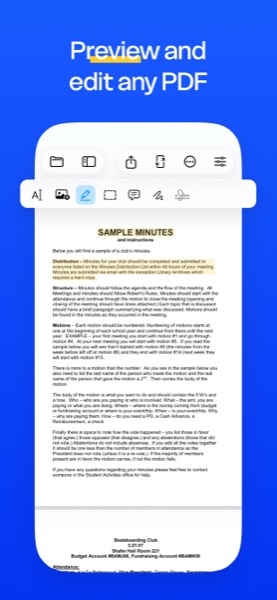
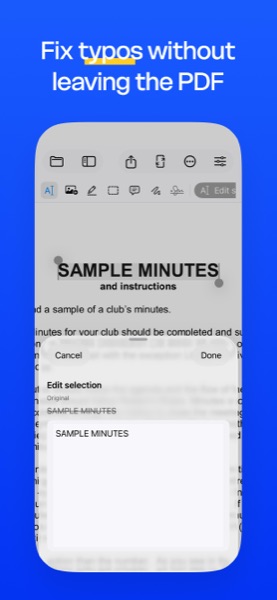
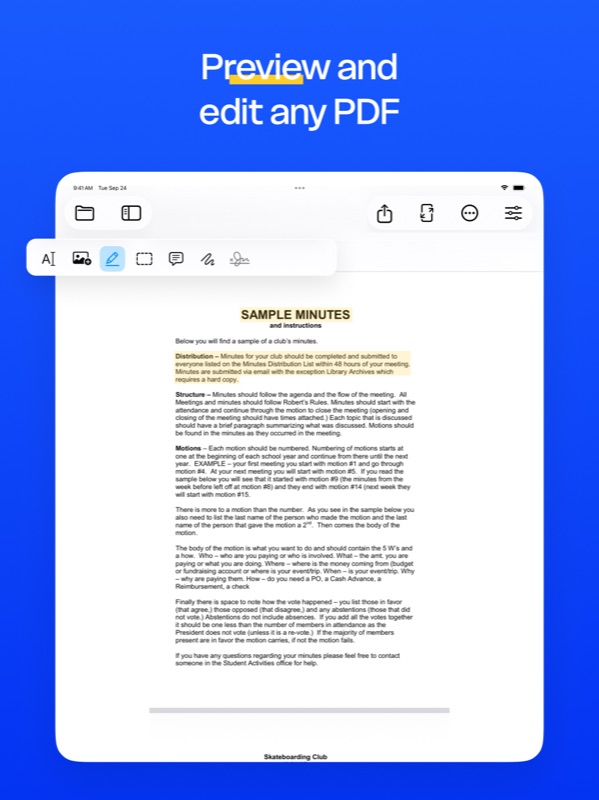
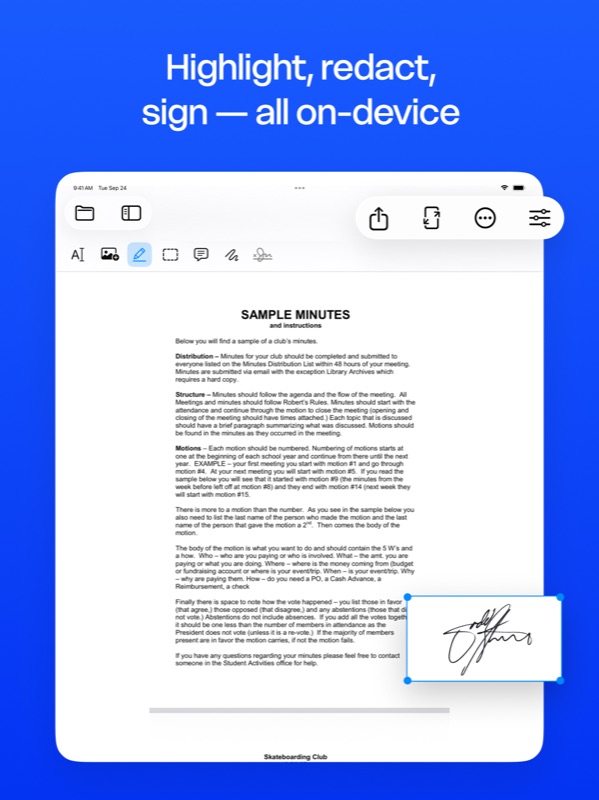
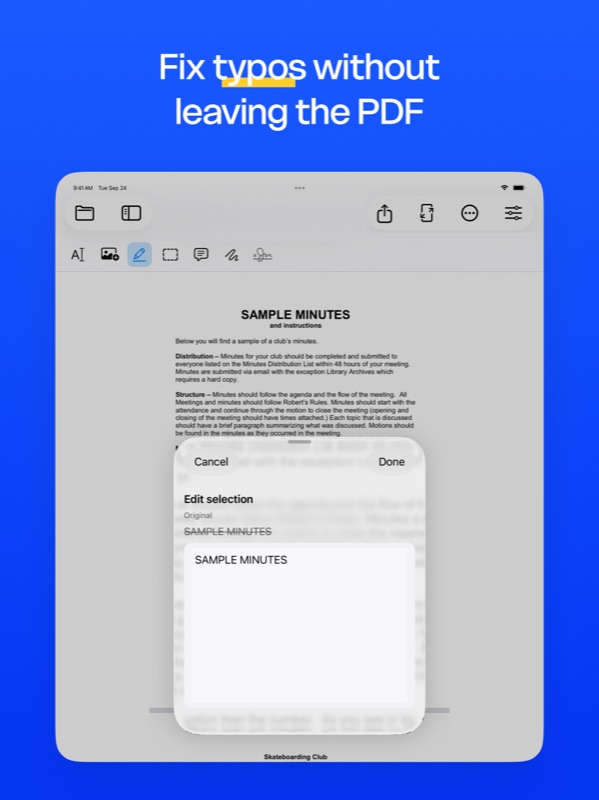
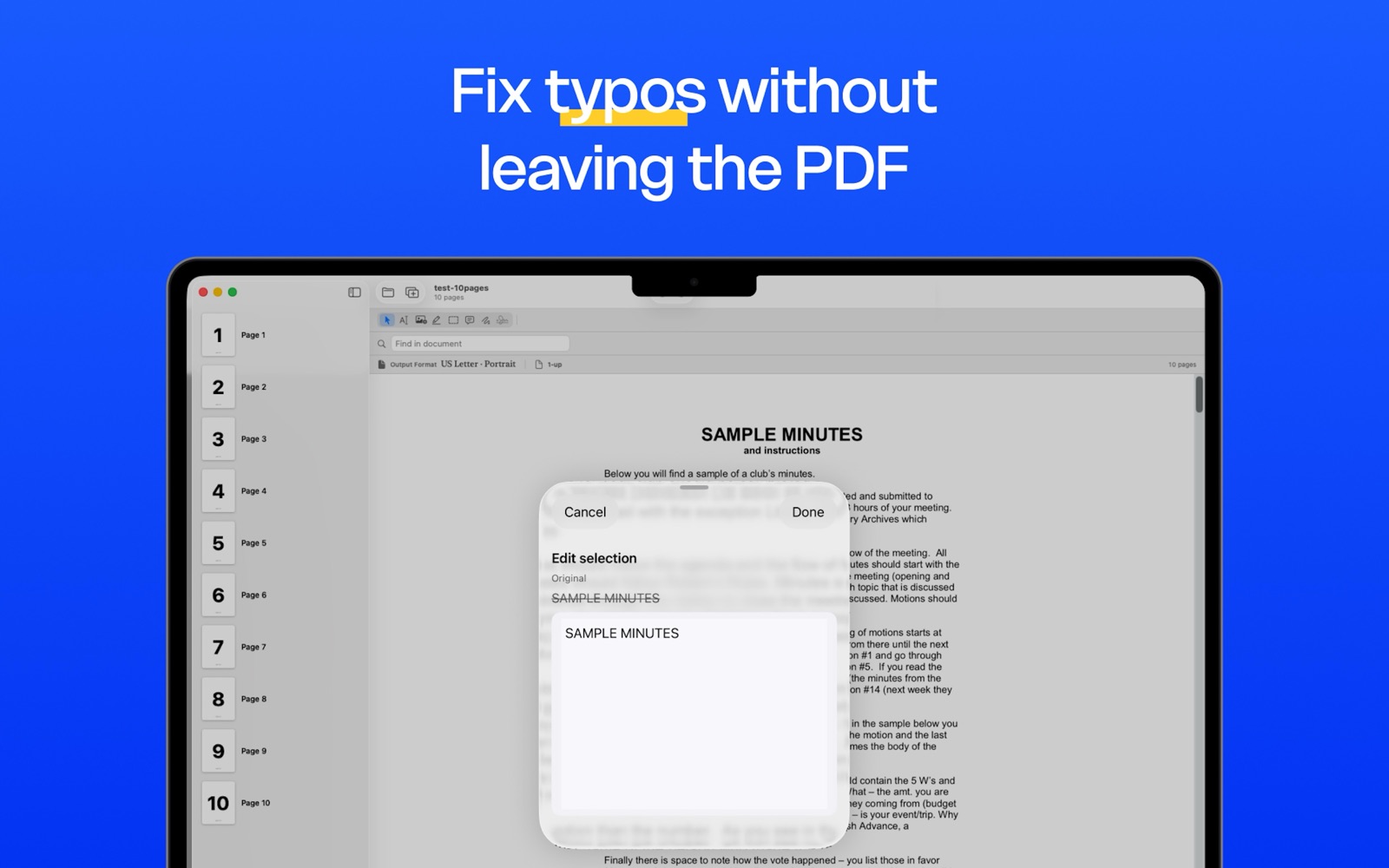
Tap a paragraph to edit text directly in the PDF — original font, size, and color preserved. Surrounding content reflows so longer edits push down.
Search across the entire document and replace every match with proper font matching. Whited-out and overlaid using the original glyphs.
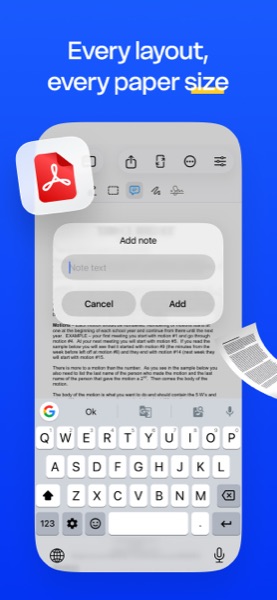
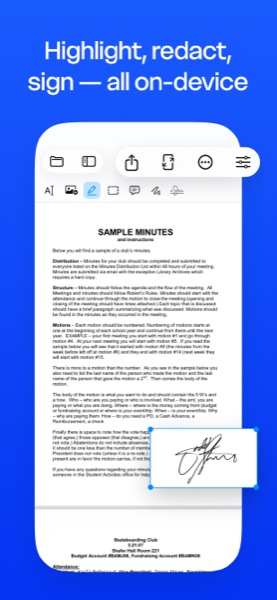
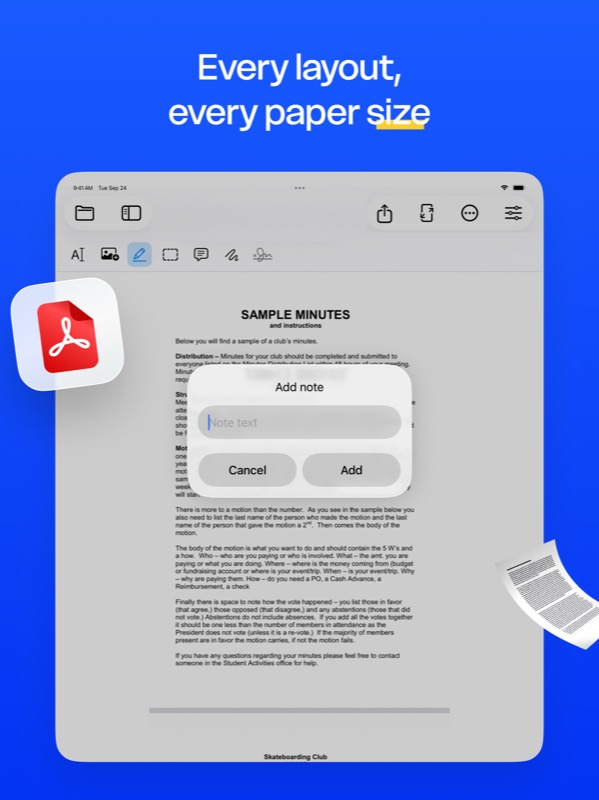
Highlight, redact, sticky notes, ink, signature stamps, image insertion — all with cross-platform commit pipelines.
Run on-device OCR over scanned PDFs to make them searchable. Save the recognized text as a plain-text file.
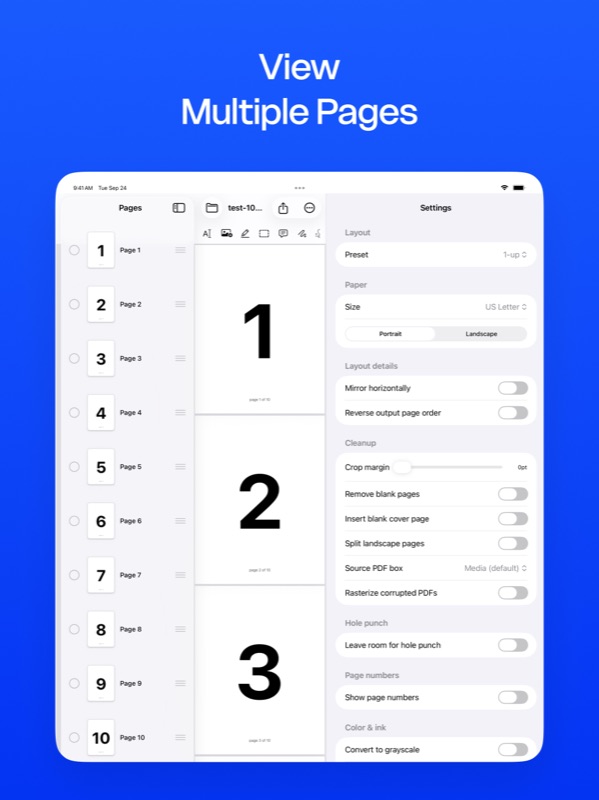
Crop margins, remove blank pages, split landscape spreads into portrait halves, rasterize corrupted source PDFs, choose which page-boundary box (media / crop / trim) to use.
Position (top, bottom, inner, outer), font size, color, format token ({n} or {n} of {total}), starting offset, and skip-first behavior for cover pages.
Leave the right margin for 2-, 3-, 4-, or 6-hole binders with visual guides.
Text watermark with adjustable opacity. Use any 1-page PDF as a letterhead applied to all pages, first page, odd, or even.
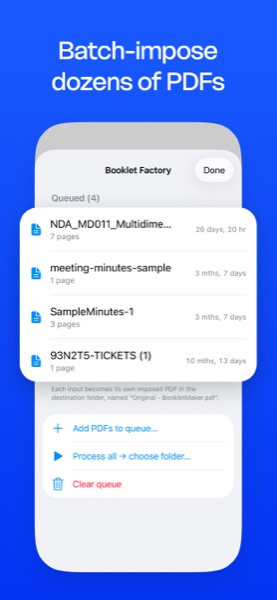
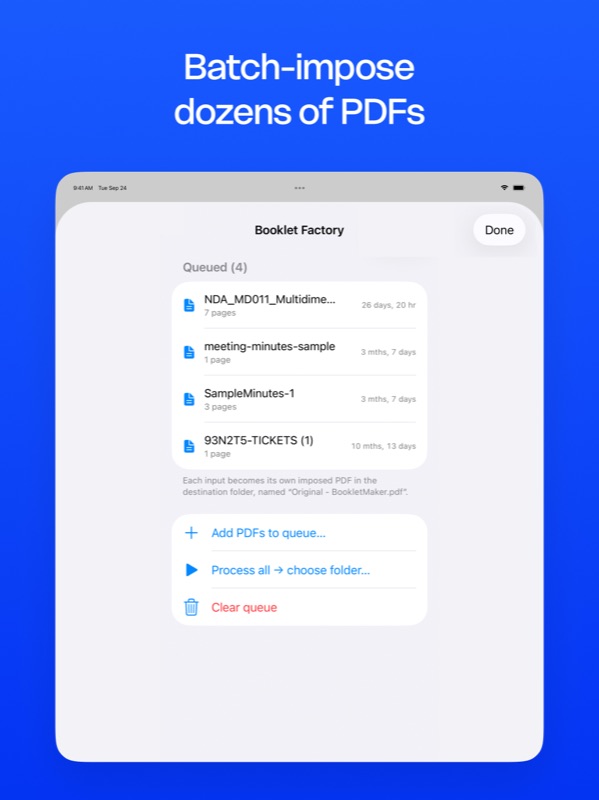
Batch-impose dozens of PDFs in one run. Drop the output to a folder of your choice, every file imposed with the current preset.
Save imposed PDF, flatten annotations, export with a password, export each page as PNG / JPEG / TIFF, copy as PDF, or print directly via AirPrint.
BookletMaker runs entirely on your device. Your PDFs never leave your Mac, iPad, iPhone, or Windows PC — even the web tool imposes locally in your browser. No accounts, no cloud upload, no analytics on what you print.